I’ve always had the habit of writing blog posts in Notion. The instant sync after editing was convenient, but it came with many drawbacks. The constant syncing caused noticeable delays when updating or opening files. Customization options were limited, and there was no support for other AI agents.
For more details, see Obsidian vs Notion
Recently, I’ve been exploring Obsidian, which differs from Notion by being a local, markdown-first tool.
To publish a blog with Obsidian, you could use their official Publish service at $10 USD/month: https://obsidian.md/publish
However, as an engineer, I wanted to explore free deployment strategies first.
The Obsidian documentation recommends Quartz for deploying static sites. Similar to Docusaurus, Quartz converts markdown files into a multi-page application (MPA) static website with configurable themes, components, and SEO settings—perfect for documentation-oriented sites. https://docusaurus.io/
What makes Quartz especially appealing is its native support for Obsidian’s core features: bidirectional links, graph view, and the vault directory structure. https://quartz.jzhao.xyz/
Using Quartz has been smooth. You simply edit markdown files in the project’s content folder, push to GitHub, and the CI/CD pipeline automatically deploys to your site:
https://kero13ro.github.io/Code-Beyond/Obsidian-vs-Notion
However, there was one inconvenience: I had to maintain two separate Obsidian windows—one for blog posts and one for personal notes—plus two Claude Code windows for editing different folders.
The solution? Automatically deploy from a single Obsidian vault by syncing just the /blog folder to GitHub Pages.
Automated Deployment with Raycast
I created a shell script with the following workflow:
- Sync files: Copy content from
/blogto the Quartz project’s/contentfolder - Check for changes
- Commit and push to the remote repository
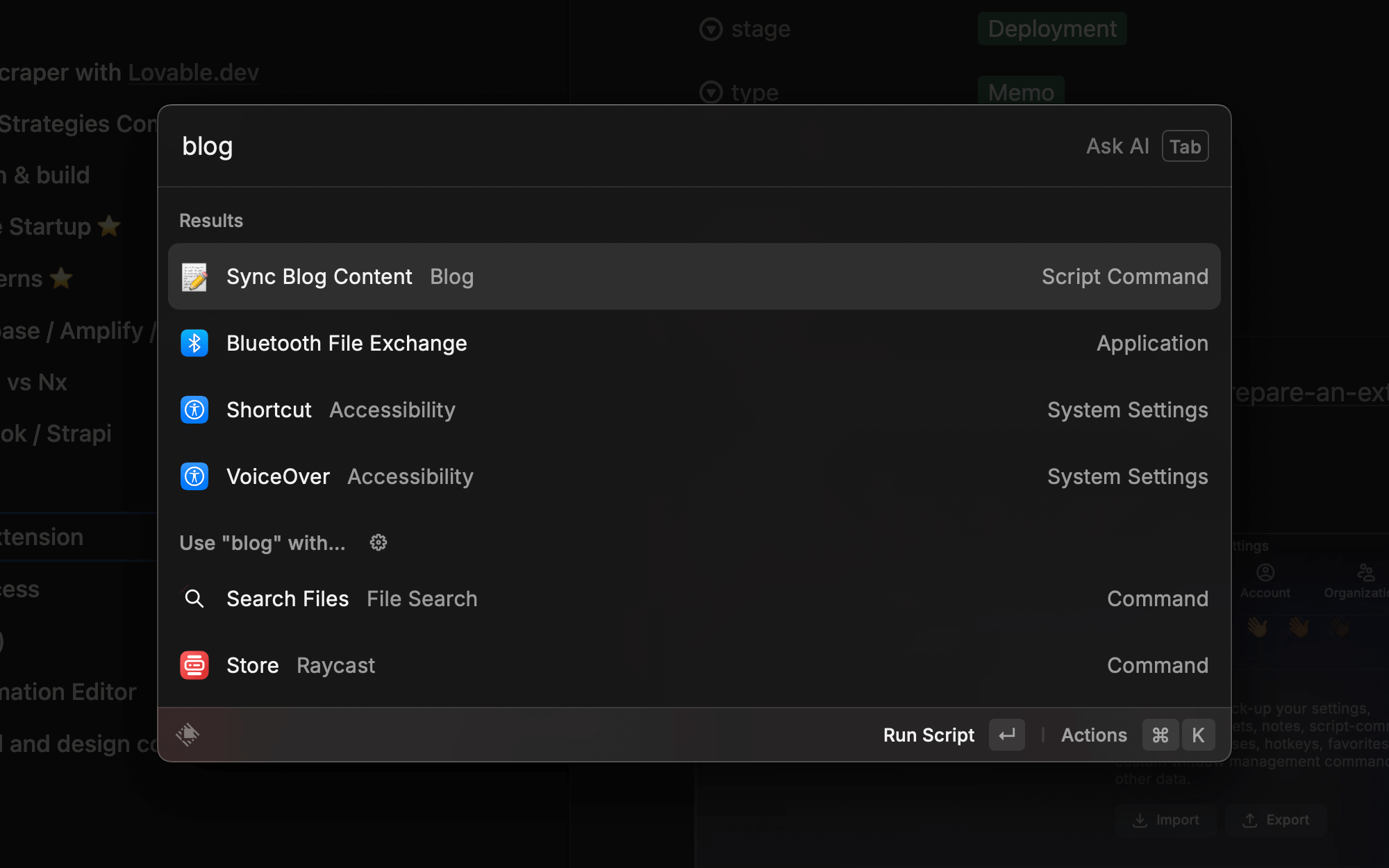
After adding the script to Raycast, I can now update my blog instantly with a single command: